
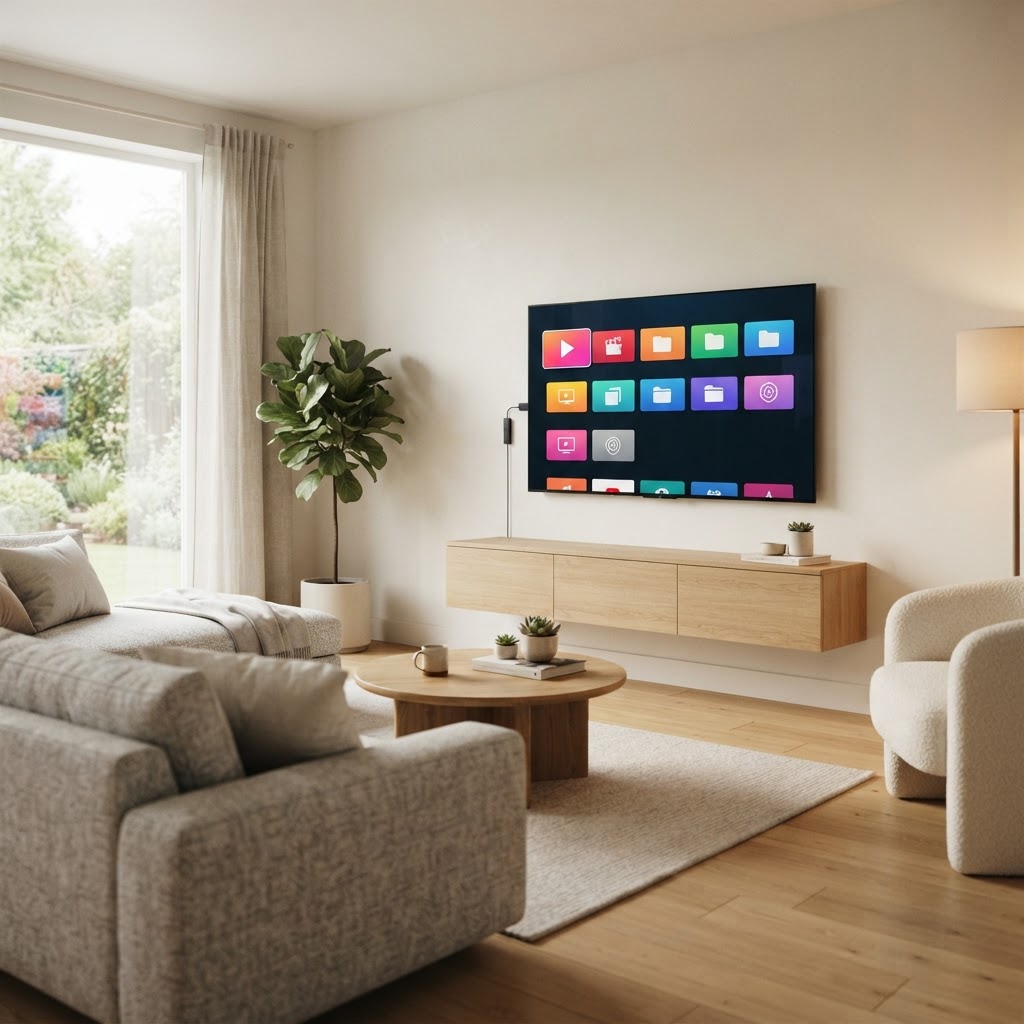
Quick answer
The best Roku streaming device for most Canadian viewers is a 4K-capable model such as the Roku Streaming Stick 4K, which balances price, picture quality, and ease of use. If you want the fastest interface and wired Ethernet, the Roku Ultra is the premium pick. For a basic HD TV or a tight budget, the Roku Express is a simple, affordable starting point.
Key takeaways
- Roku devices turn any TV with an HDMI port into a streaming hub — no smart TV required.
- 4K support matters only if you own a 4K TV; HD-only models cost less.
- The Roku Streaming Stick 4K is the best all-round choice for most Canadian households.
- Roku Ultra adds wired Ethernet, a remote with headphone listening, and the fastest processor.
- Roku's interface is simpler and more neutral than Firestick for users who want a clean, app-focused layout.
- A stable connection of at least 25 Mbps (HD) or 50 Mbps (4K) is recommended.
What Is a Roku Streaming Device?
A Roku streaming device is a small media player that connects to a TV through an HDMI port and provides access to streaming apps over your home internet connection. Roku makes several form factors, including compact sticks that plug directly into the TV and small set-top boxes that sit nearby. Every Roku device runs Roku OS, a dedicated streaming operating system that organizes apps into a simple grid.
Roku devices are popular in Canada because they are affordable, quick to set up, and work with most TVs. They support major streaming apps and include a remote with quick-launch buttons for popular services. Roku is a platform, not a content provider — it brings streaming apps together in one place rather than supplying the content itself.
Which Roku Device Is Best for Most People in Canada?
For most Canadian viewers, the Roku Streaming Stick 4K offers the best balance of price and performance. It supports 4K and HDR streaming, plugs directly into an HDMI port so it stays hidden behind the TV, and includes a voice remote. It works with virtually any modern TV and is easy to move between rooms or pack for travel.
If your TV is 1080p only, the Roku Express covers HD streaming at a lower price. If you want the most responsive interface, wired Ethernet for a stable connection, and a remote that supports private listening through headphones, the Roku Ultra is the premium choice.
Best Roku Devices Compared
The table below compares the main Roku devices available to Canadian buyers. Price ranges are indicative because retail pricing changes by retailer and season.
| Device | Best For | Video Quality | Remote Type | Main Strength | Price |
|---|---|---|---|---|---|
| Roku Express | Basic HD TVs | HD (1080p) | Simple remote | Lowest price | $ |
| Roku Streaming Stick 4K | Most 4K TVs | 4K, HDR | Voice remote | Best all-round value | $$ |
| Roku Streaming Stick 4K+ | Users who lose remotes | 4K, HDR | Voice remote with finder | Lost-remote feature | $$ |
| Roku Ultra | Home theater setups | 4K, HDR, Dolby Vision | Voice remote + headphones | Wired Ethernet, fastest | $$$ |
What to Consider Before Buying a Roku Device
Before choosing a Roku model, think about the following factors:
- •TV resolution: If your TV supports 4K, choose a 4K-capable Roku to get the sharpest picture. An HD-only Roku on a 4K TV still works but limits you to 1080p.
- •Wi-Fi strength: Sticks that plug directly into the TV can have weaker Wi-Fi reception if the TV blocks the signal. If your router is far away, consider a model with a long-range Wi-Fi receiver or the Roku Ultra with wired Ethernet.
- •TV compatibility: Roku devices work with any TV that has an HDMI port. Older TVs without HDMI are not compatible.
- •Remote preferences: Some Roku remotes include voice search, quick-launch buttons, and private listening. Cheaper models use a simpler infrared remote that needs line of sight to the device.
- •Portability: Streaming sticks are easy to move between TVs or take travelling. Set-top boxes like the Ultra are meant to stay in one place.
- •Voice control: If you use voice search often, choose a model with a voice remote.
- •Budget: Match the features to what you actually need rather than paying for capabilities your TV cannot use.
Roku Streaming Stick vs Roku Express vs Roku Ultra
These three models cover most buyers. Here is how they differ.
Roku Express
The Roku Express is the most affordable option. It streams in HD (1080p) and uses a simple infrared remote. It is a good choice for an older 1080p TV in a bedroom or guest room, or for anyone who wants basic streaming at the lowest price. Because it uses an infrared remote, it needs to be positioned where the remote has a clear line of sight.
Roku Streaming Stick 4K
The Streaming Stick 4K is the best all-round choice. It supports 4K and HDR, plugs directly into an HDMI port so it stays hidden, and includes a voice remote. The long-range Wi-Fi receiver helps in homes where the router is not close to the TV. It is the model we recommend for most Canadian households.
Roku Ultra
The Roku Ultra is the premium model. It supports 4K, HDR, and Dolby Vision, and includes a voice remote with private listening through wired or wireless headphones. The key advantages over the Streaming Stick are a faster processor for snappier navigation, a wired Ethernet port for the most stable connection, and a remote finder feature. It is the best choice for a dedicated home theater setup.
Is Roku Better Than Firestick for Some Users?
Roku and Amazon's Fire TV Stick are the two most popular streaming device families in Canada. Neither is universally better — the right choice depends on what you value.
Roku's interface is simpler and more neutral. It organizes apps in a clean grid without prioritizing one service over others, which makes it easier to find and switch between apps. Firestick's interface is more integrated with Amazon's ecosystem, which is convenient if you already use Prime Video or Alexa, but it also means more promotional content on the home screen.
Roku is often the better choice for users who want a straightforward, app-focused experience and are not invested in the Amazon ecosystem. Firestick is a better fit for users who want deep Alexa integration and who shop or stream through Amazon regularly. For a deeper comparison across platforms, see our guide to the best devices for IPTV in Canada.
How to Set Up a Roku Device at Home
Setting up a Roku device takes about 10 minutes. The steps are the same across models.
- 1
Plug the Roku into your TV's HDMI port. For sticks, insert directly; for the Ultra, use the included HDMI cable.
- 2
Connect the power cable. Some models can draw power from a USB port on the TV, but the included wall adapter is more reliable.
- 3
Turn on your TV and select the HDMI input the Roku is connected to.
- 4
Follow the on-screen prompts to connect to Wi-Fi (or Ethernet on the Ultra) and create or sign in to a free Roku account.
- 5
Add the streaming apps you want from the Roku Channel Store.
- 6
Open each app and sign in with your existing account for that service.
Can You Use Streaming Apps Easily on Roku?
Yes. Roku has a large app store — the Roku Channel Store — with thousands of streaming apps, including most major services available in Canada. Apps are organized by category, and you can add or remove them at any time. Once added, apps appear on the home screen in a grid that you can rearrange.
Roku also includes The Roku Channel, a free ad-supported service with movies and TV shows. For users who also use IPTV, compatible IPTV player apps may be available through the Channel Store, though availability varies. If you use an IPTV subscription, check whether your preferred player app is listed, or visit our setup guides for device-specific instructions.
Who Should Buy a Roku Device?
Roku devices are a good fit for several types of users:
- •Casual streamers who want a simple, reliable way to watch streaming apps on any TV.
- •Families who need an easy-to-navigate interface that everyone in the household can use.
- •People upgrading an older non-smart TV who want to add streaming without buying a new television.
- •Users who want a clean, neutral interface without a particular ecosystem's promotional content.
- •Travellers who want a portable stick they can plug into a hotel or cottage TV.
Final Verdict: Which Roku Device Should You Choose?
For most Canadian viewers, the Roku Streaming Stick 4K is the best choice — it covers 4K, stays hidden behind the TV, and is priced fairly for what it offers. Choose the Roku Express if you have a 1080p TV and want the lowest price. Choose the Roku Ultra if you want the fastest interface, wired Ethernet, and private listening for a home theater setup.
If you are also exploring IPTV options, our setup guides cover how to configure streaming players on a range of devices, and our plans page lists subscription options for Brampton and Ontario.
Frequently Asked Questions
Editorial note
This article is published by the IPTV Brampton Ontario Editorial Team to help readers understand streaming device options. It is informational and reflects general product categories rather than a specific endorsement. Product names, features, and availability change over time — always check current specifications with the manufacturer or retailer before purchasing. We do not claim affiliation with Roku or any other device manufacturer.
Related resources
Get IPTV setup tips for Ontario
Get setup tips, device guides, and Ontario-specific streaming advice delivered to your inbox.